 Vitna
For the job you've just finished.
Your report, written before you drive off.
Photograph the finished work, say a few words — Vitna drafts the completion report your customer can read, ready as PDF or Word.
Start here
- Worked examples Photos and notes in — the report Vitna wrote out.
- Sample reports Reports the app actually generated — open any page, or the full PDF.
- Examples from everyday work Trades first: finish the job, send the report. Landlords, sellers and clinics too.
- How to use it, step by step From install to a sent report in four moves.
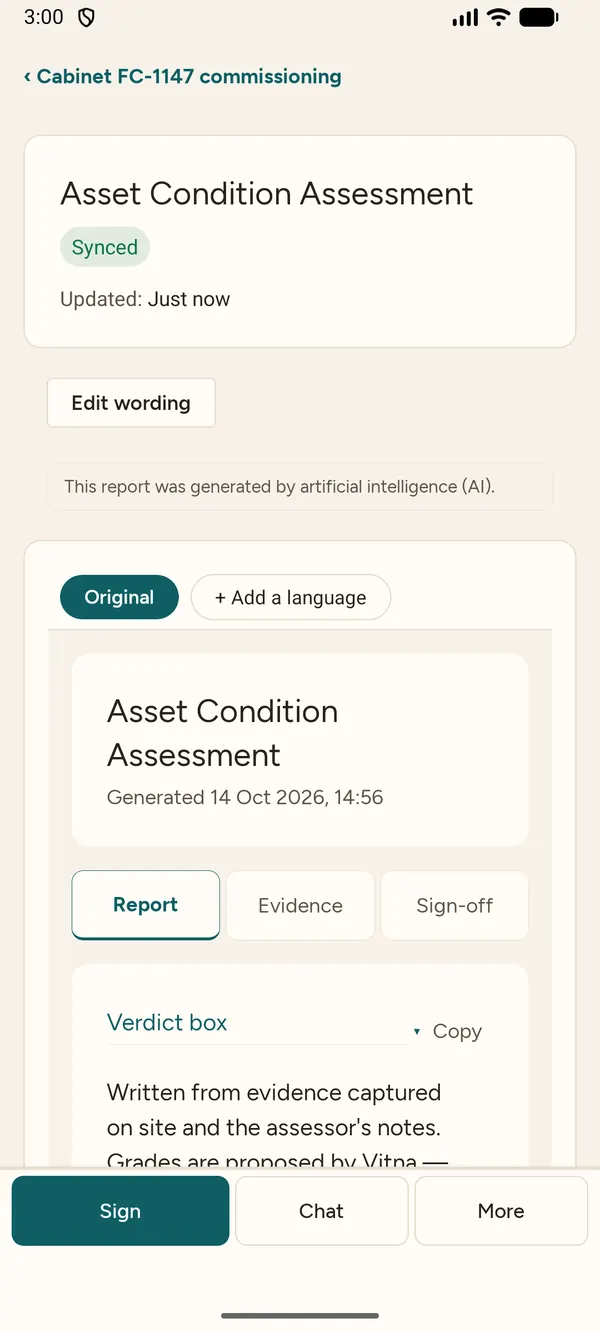
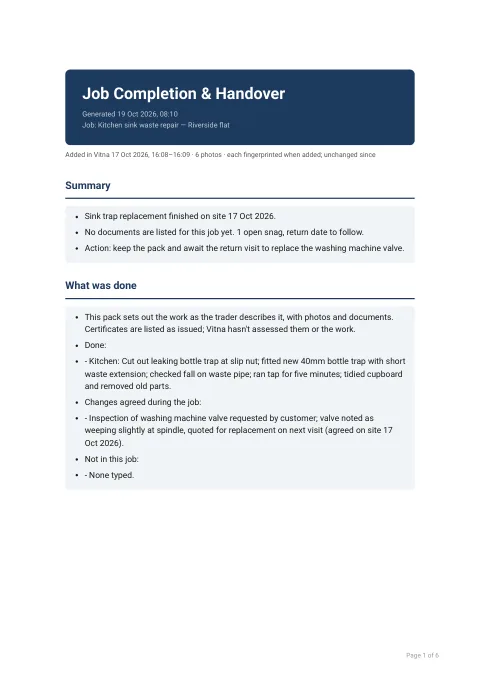
A real report drafted from the job's own photos and notes — check it, edit anything, then sign and send it.
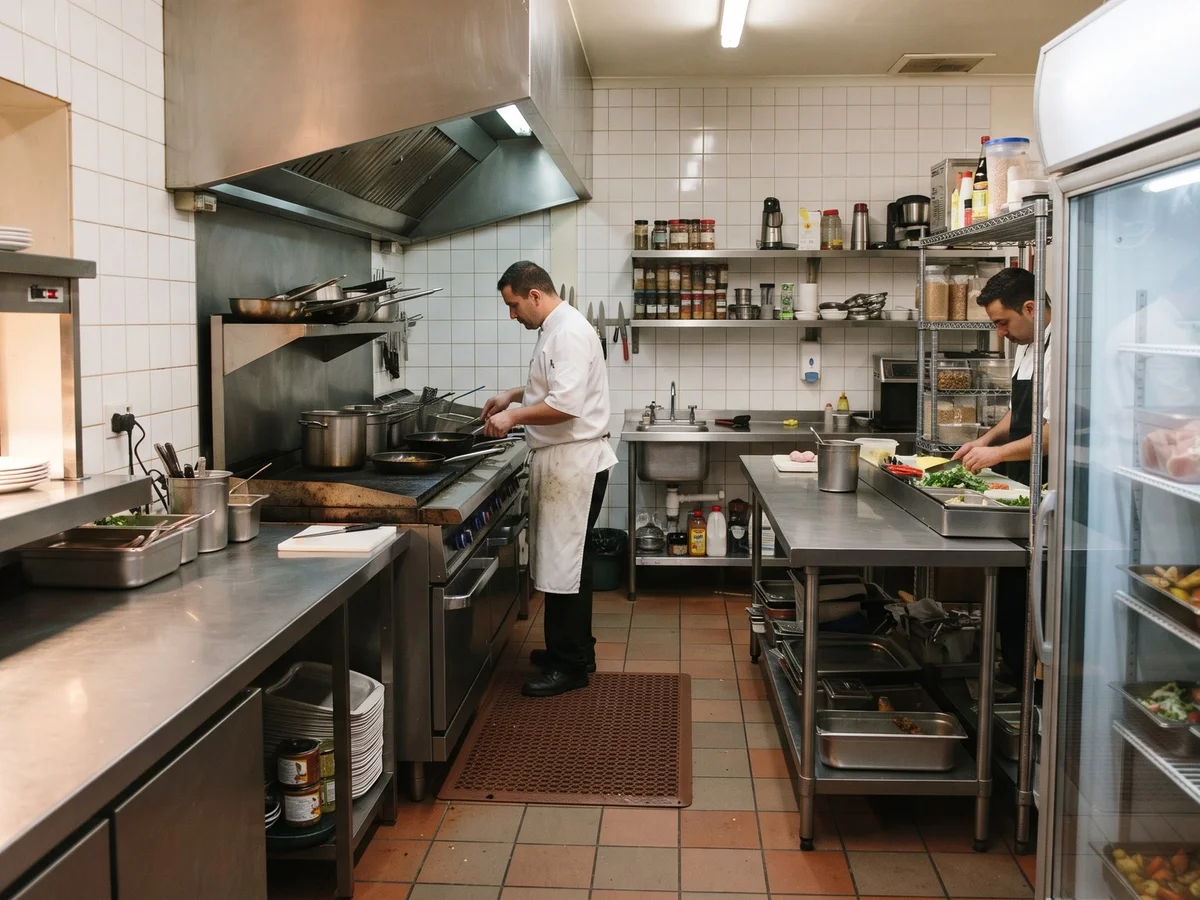
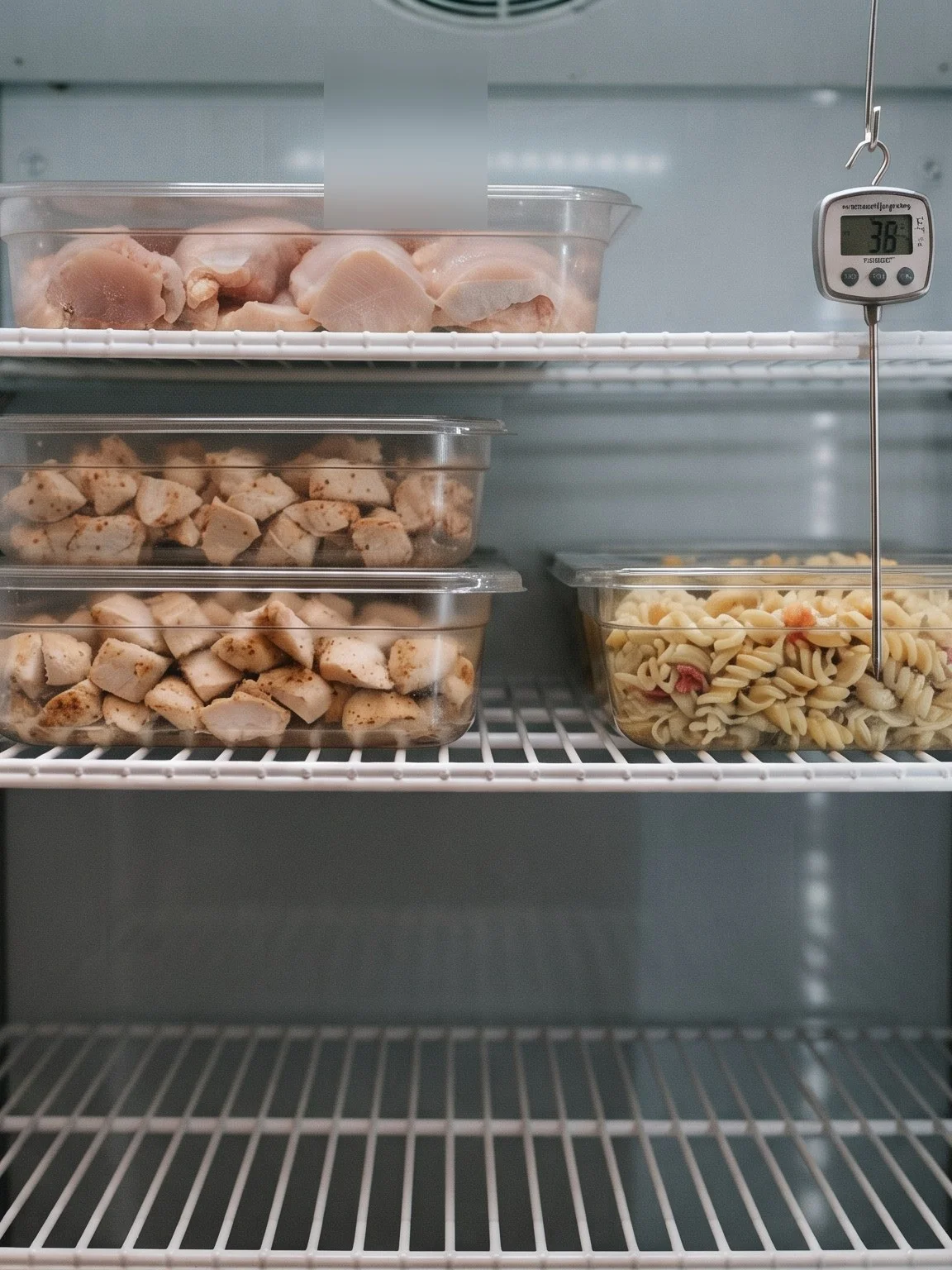
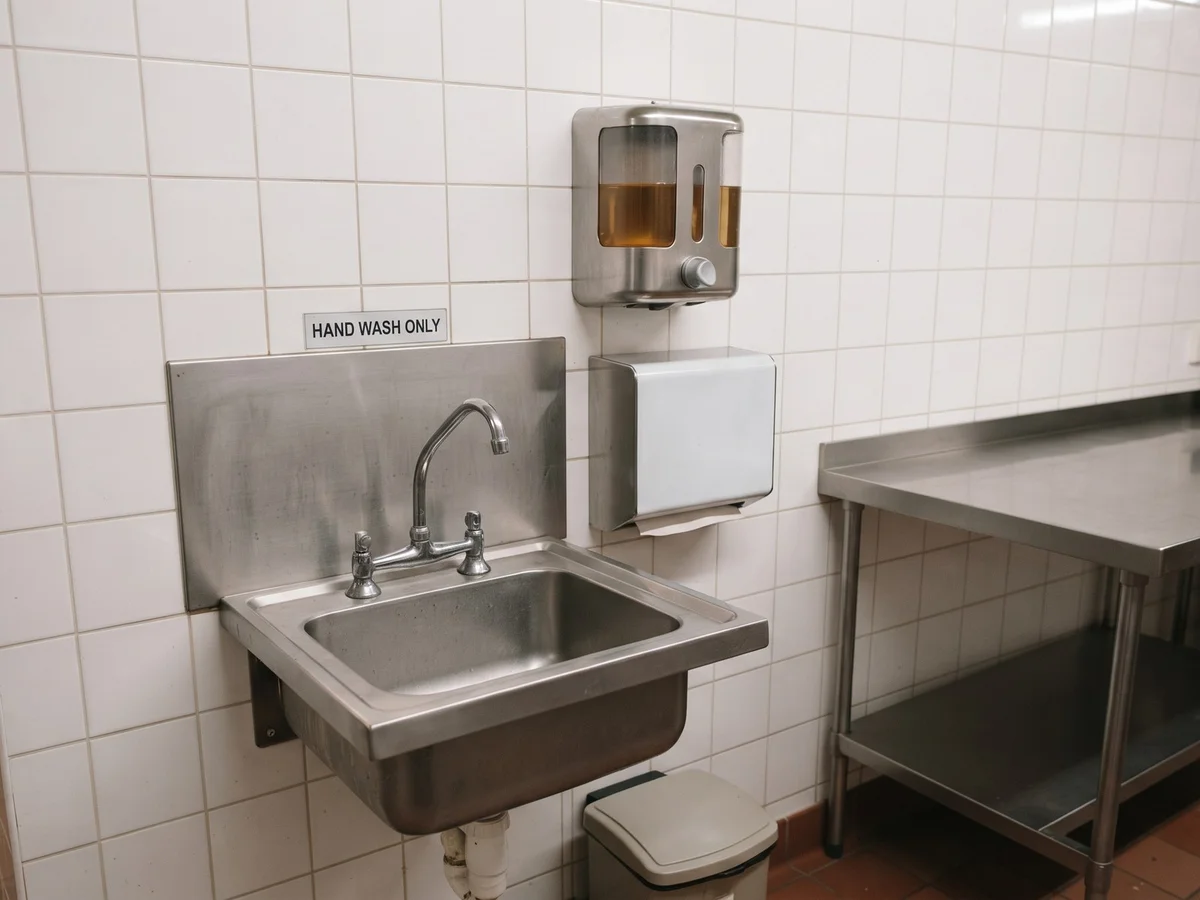
6 photos on the job — 3 shown here.
Walkthrough of the kitchen for our food hygiene self-inspection. Checked the cold room and the prep fridges, the main fridge display reads 36 on the dial. Stock rotation checked and date labelled. Cleaning schedule signed off for the week. Handwash basins stocked with soap and paper towels. Pest boxes checked, no activity. Staff training records up to date and the allergen matrix filed. One ceiling tile in the dry store has a water stain, flagged for the landlord.
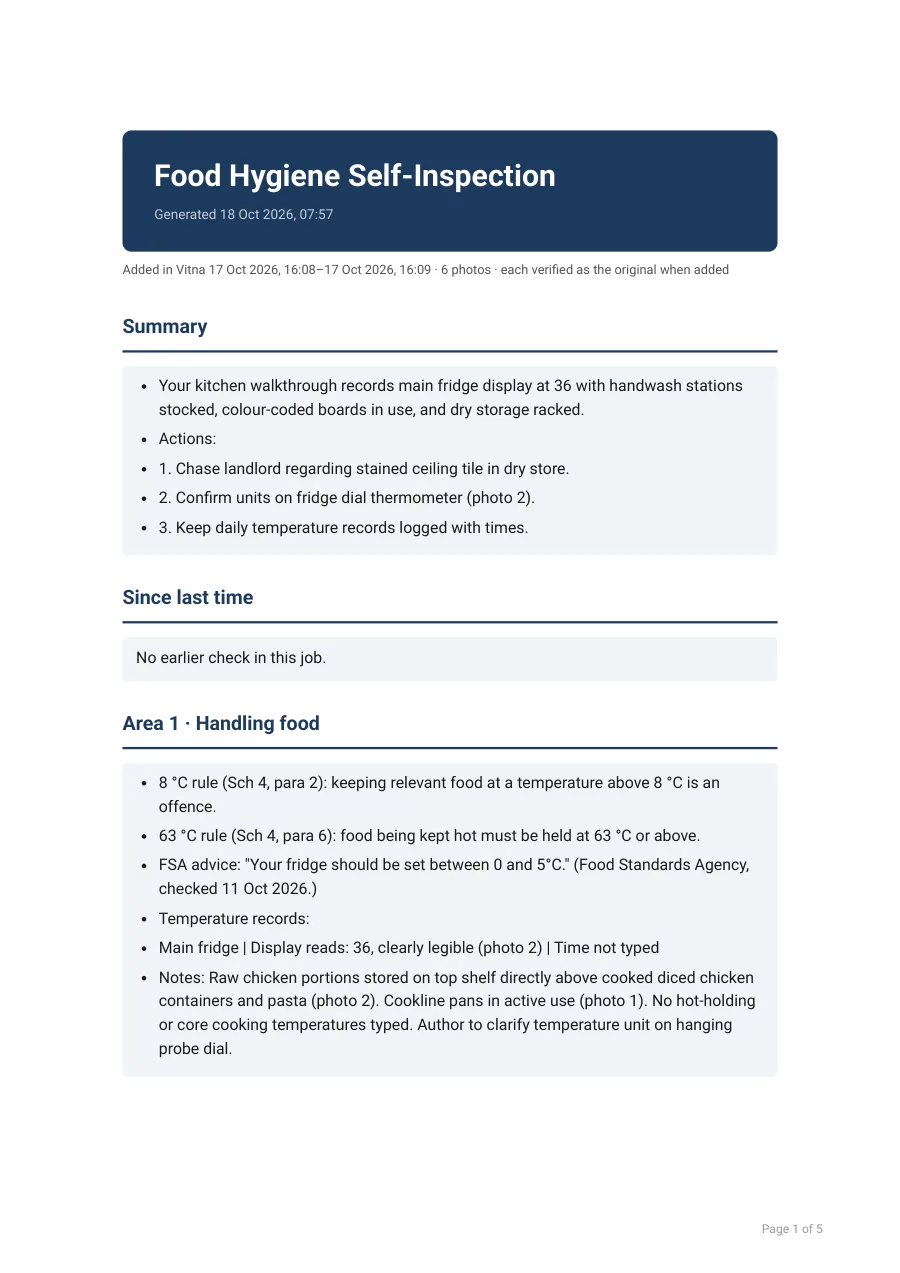 See the report it wrote
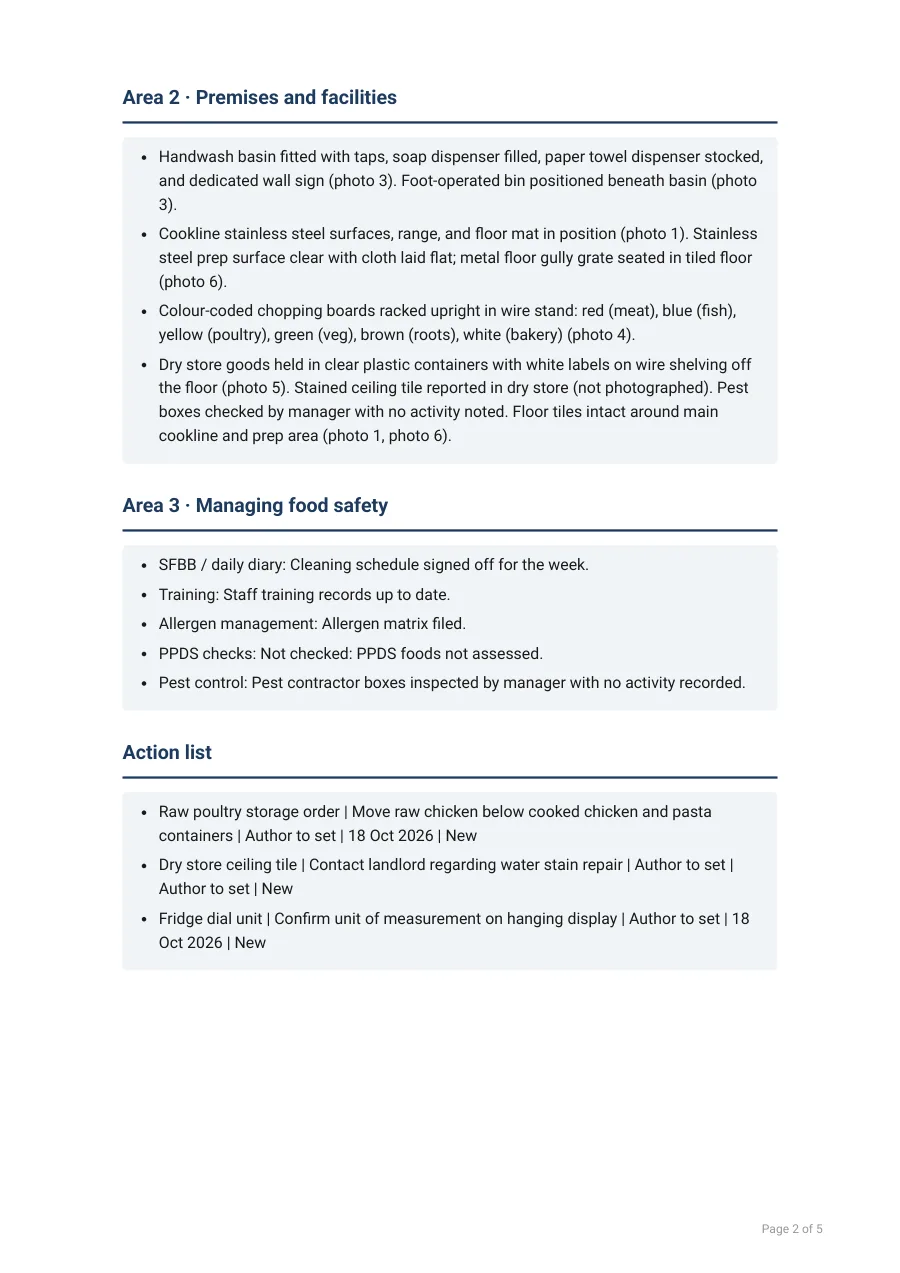
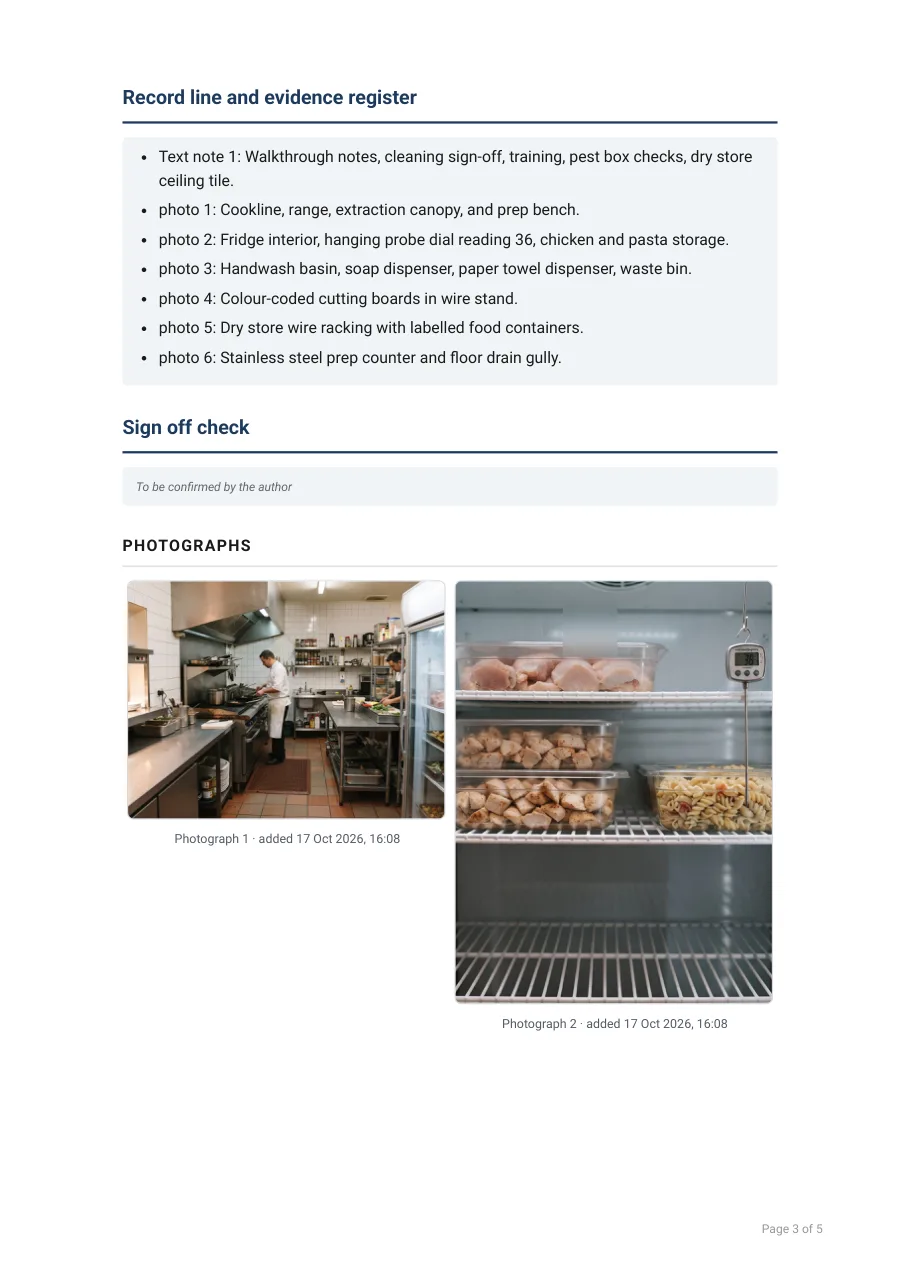
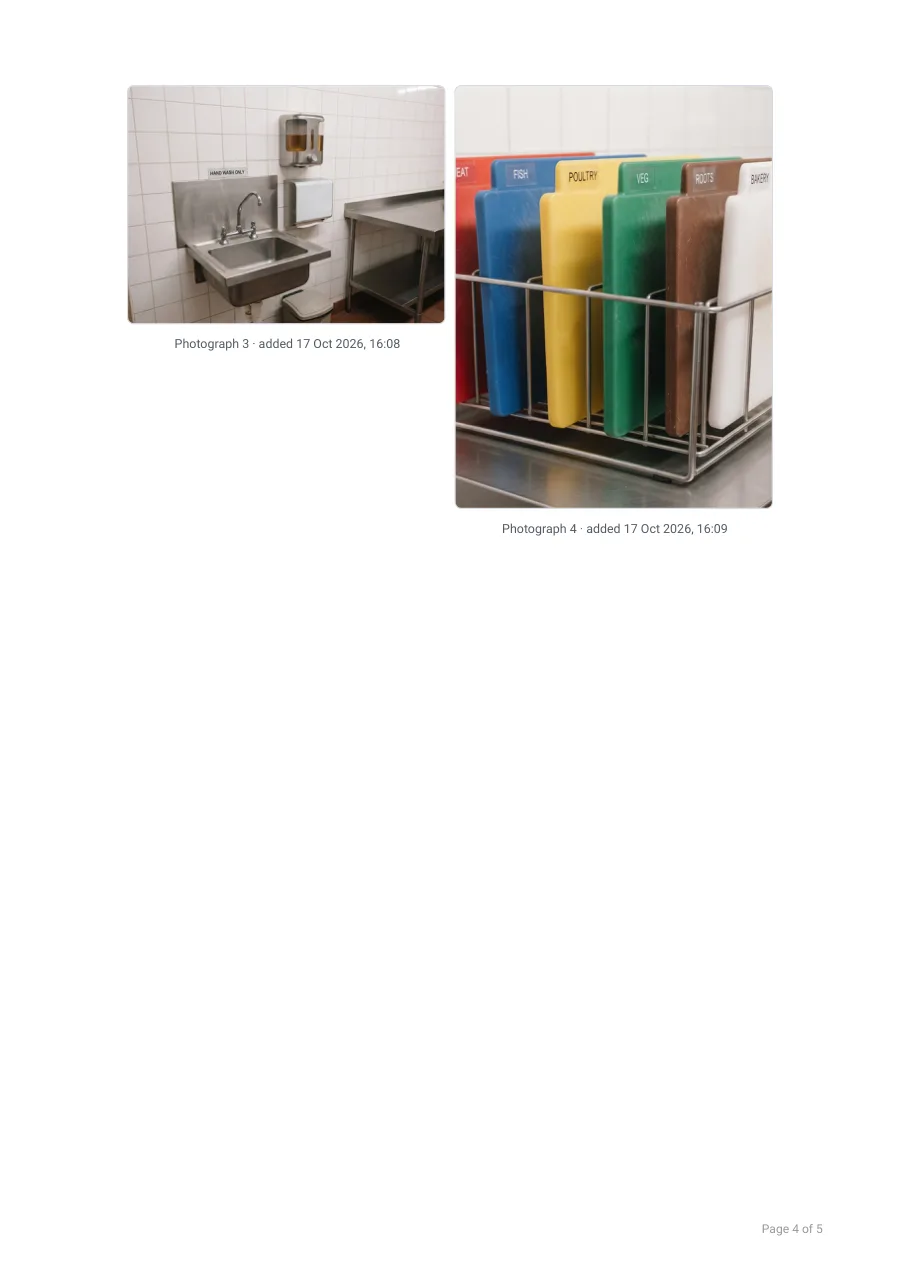
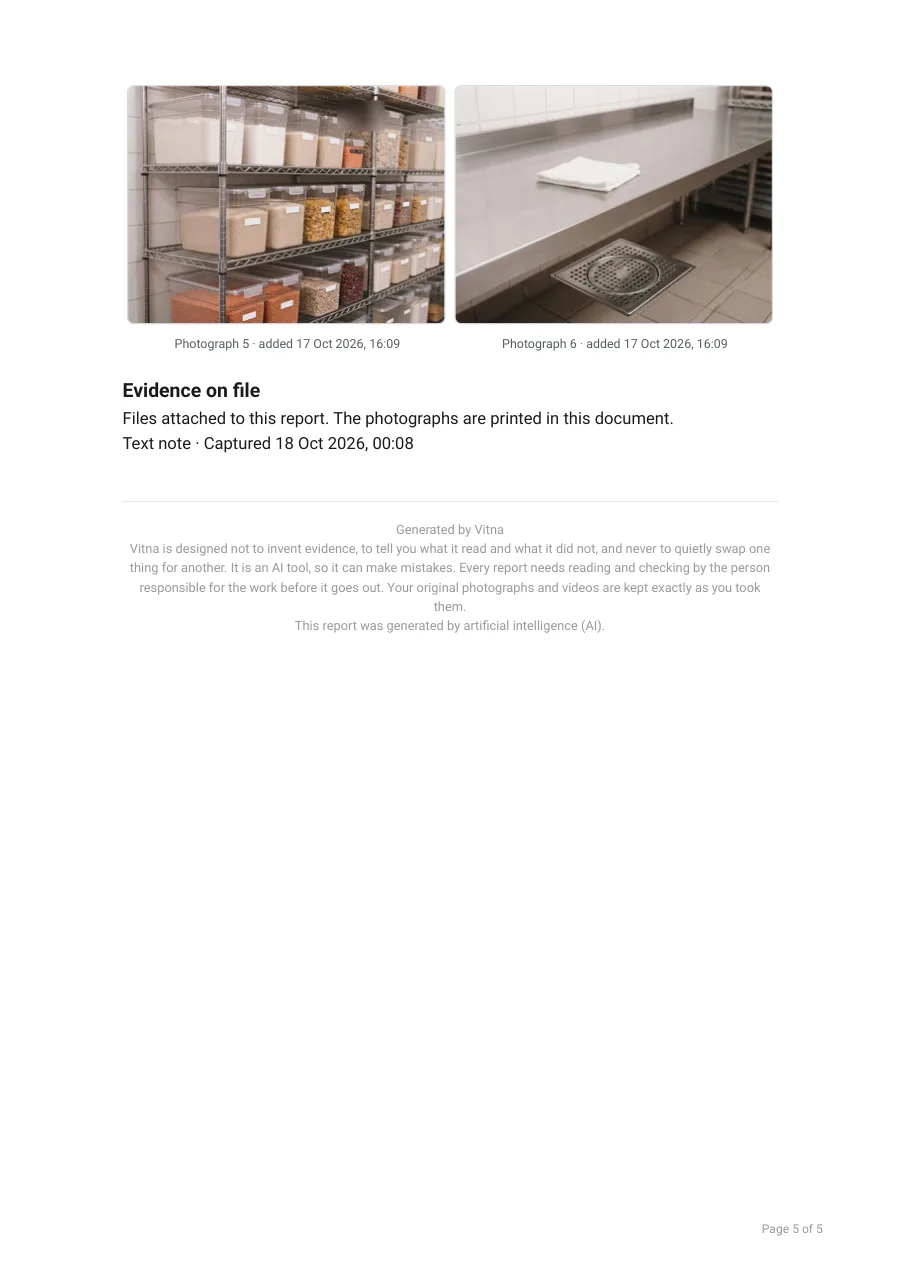
Sample job: the photos are illustrations made for this demo. The report is the app's own output, unedited.
What Vitna does
Fast reports
Photos and a voice note → a draft in under a minute
You check the draft, edit anything, then sign and send it.
Your shape
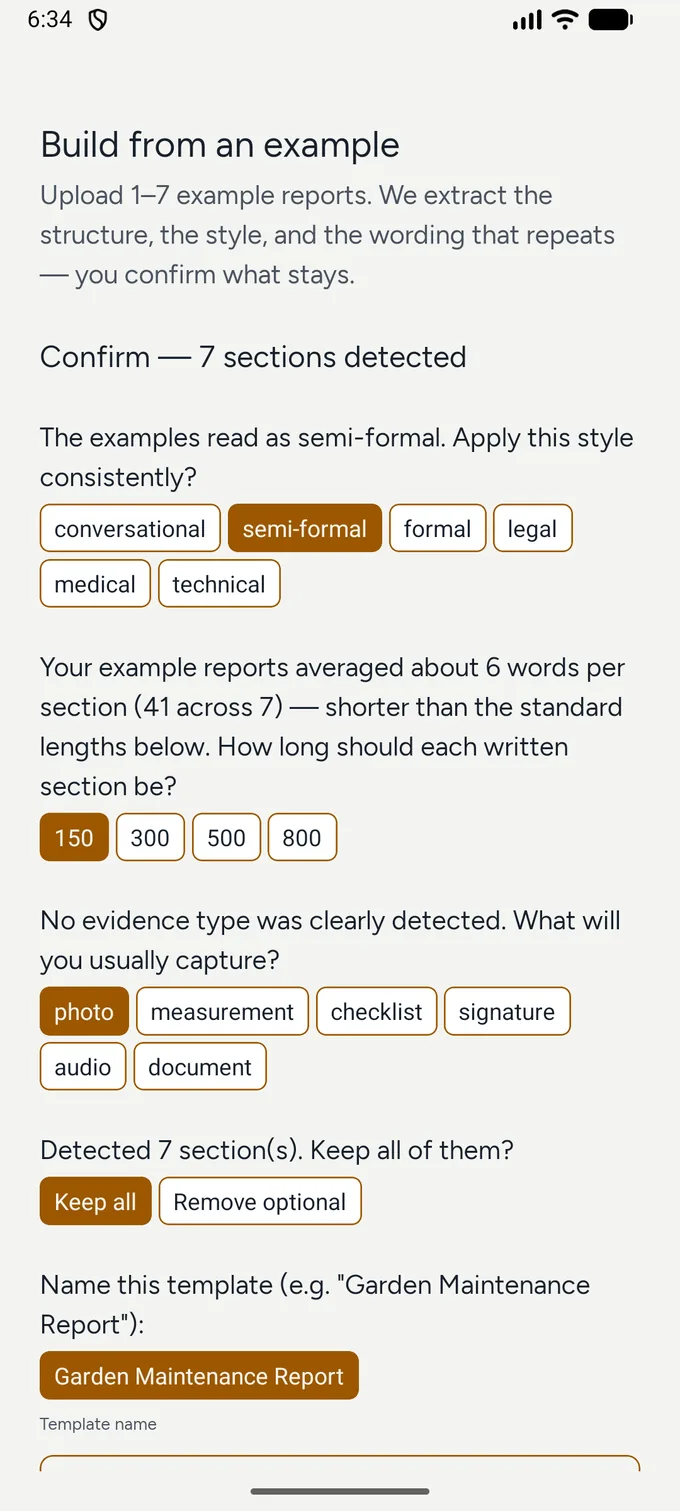
Copy your existing report into a reusable template
The template builder reads a PDF — or photos of the form you already use.
18 languages
The whole report reads as one document — in 18 languages
Swipe the real sample in the library.
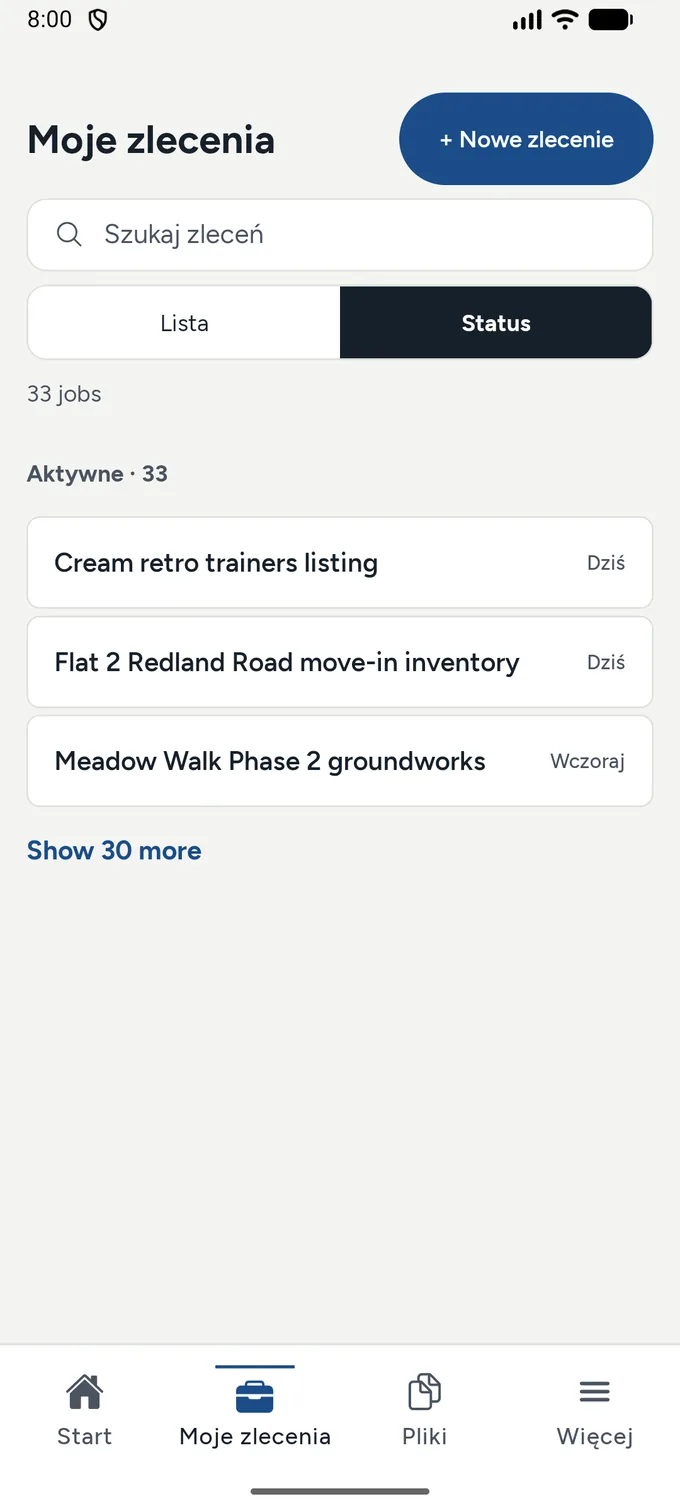
Your data, your call
Your data stays yours — export or delete it whenever you like
Your jobs, evidence and reports live in the Vitna cloud and stay yours.
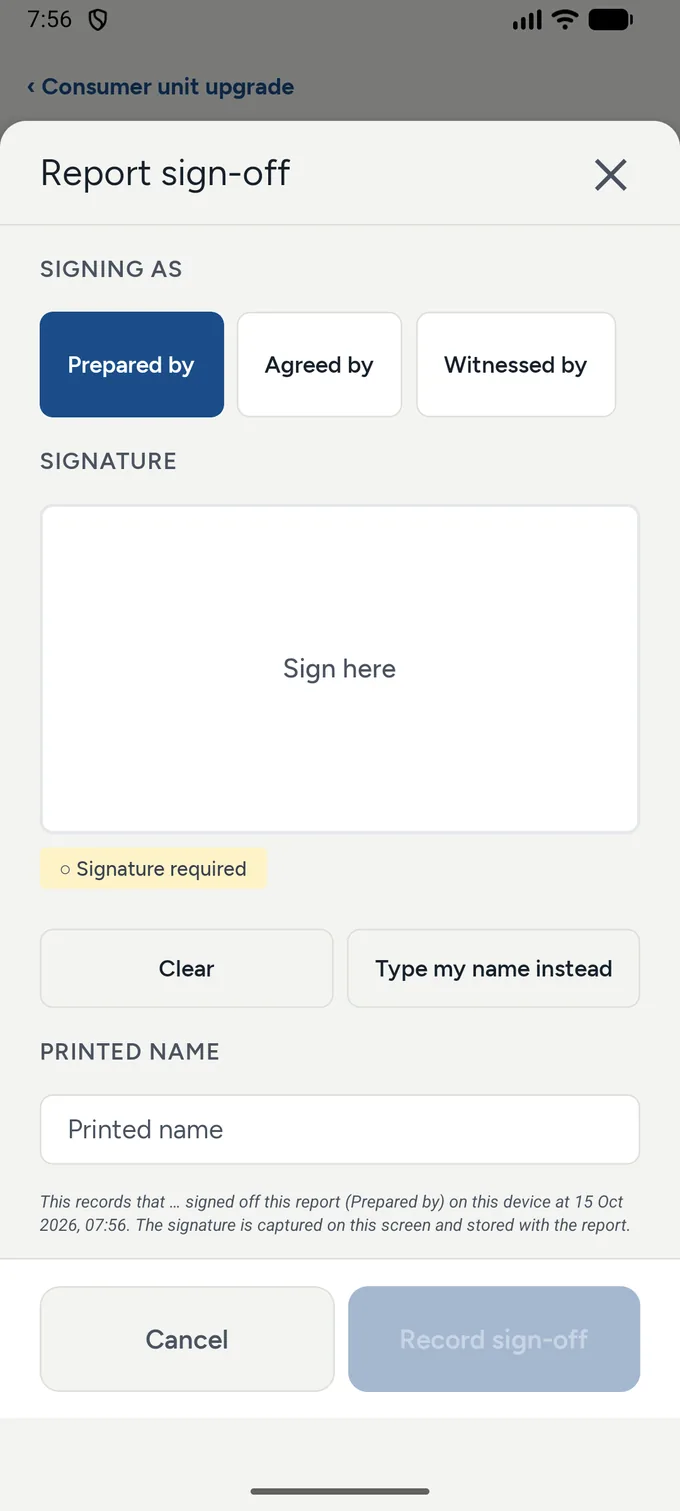
Before Vitna. After Vitna.
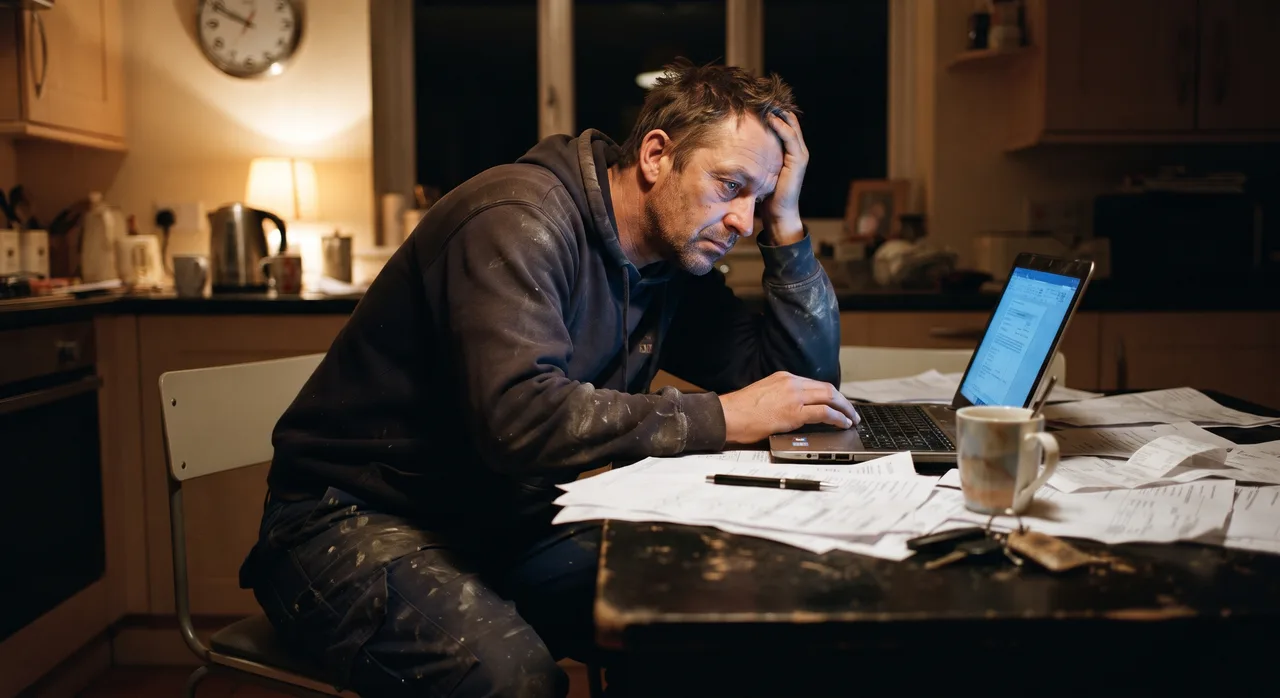
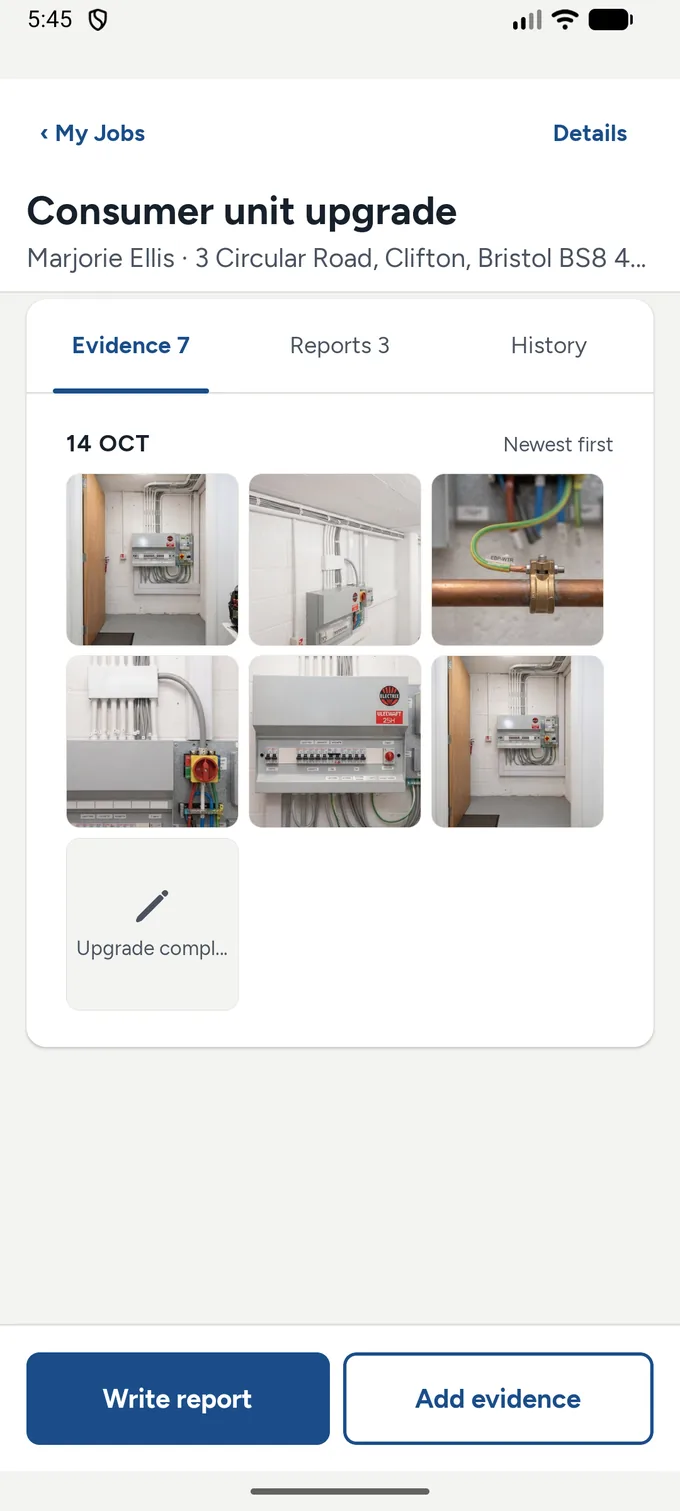
The job list in the app — each job keeps its own evidence and reports.
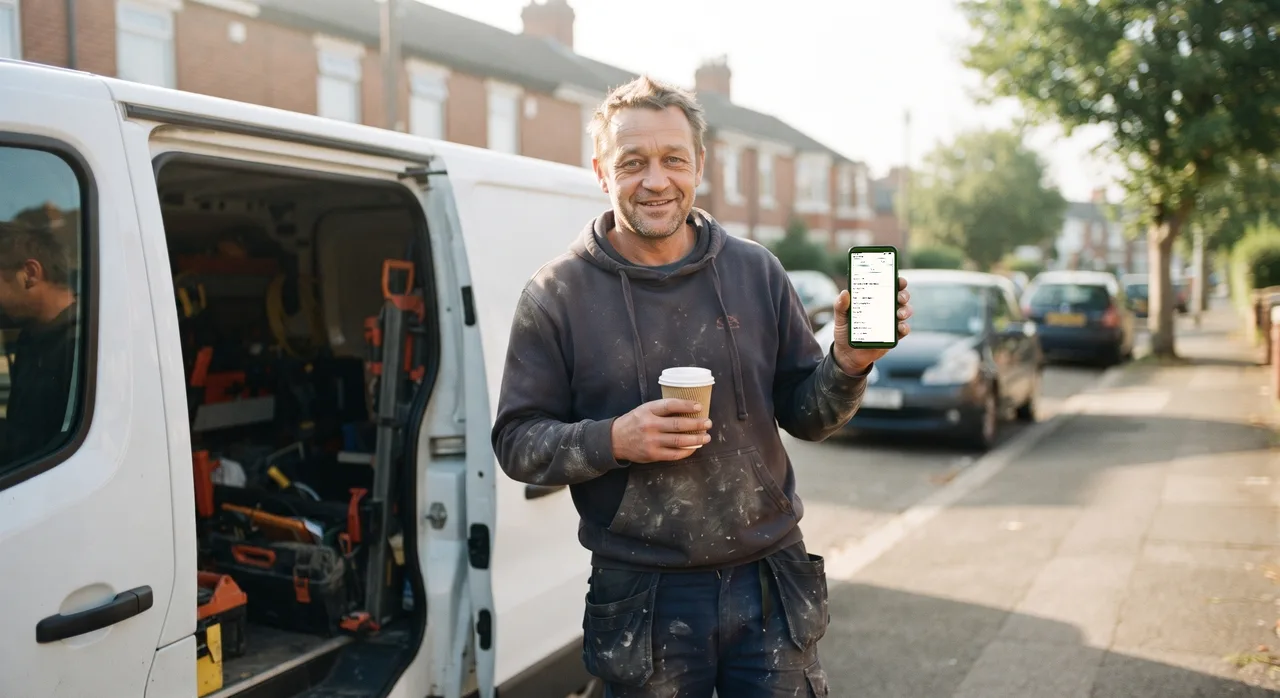
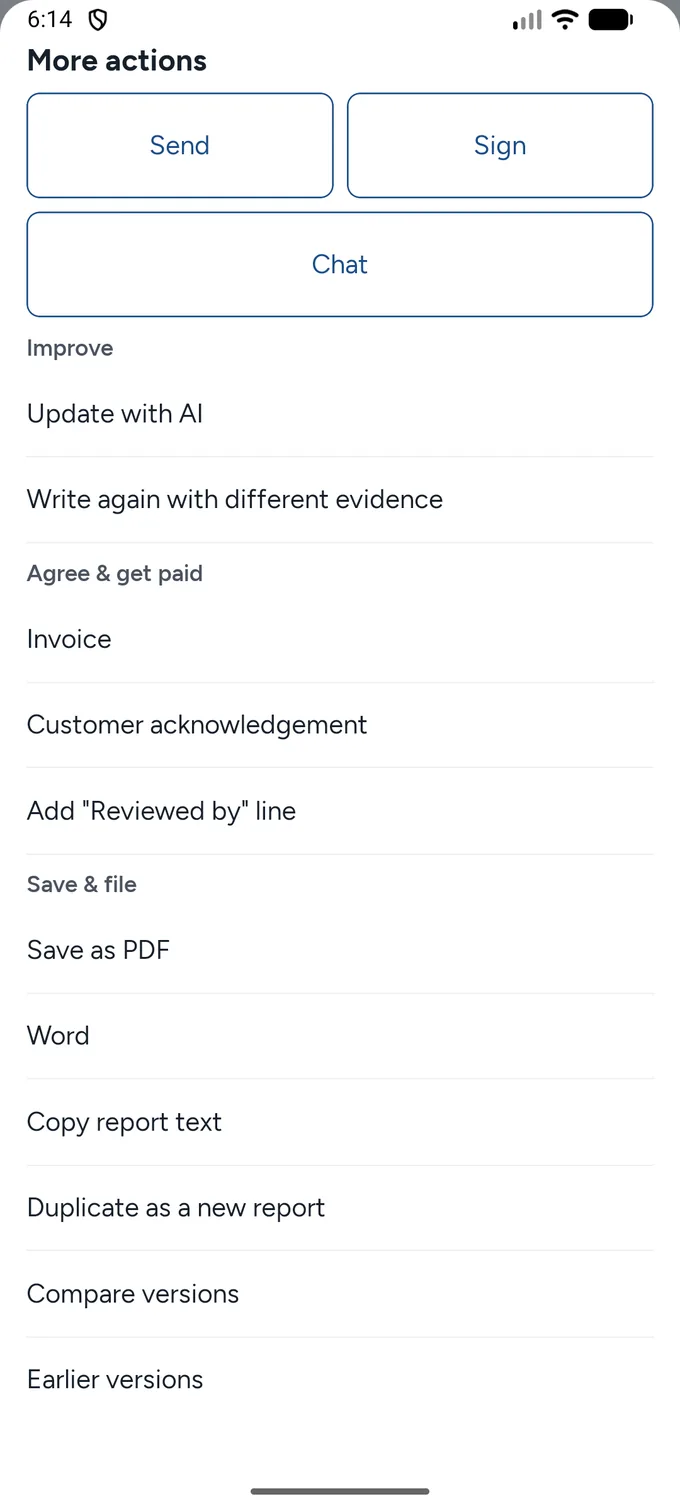
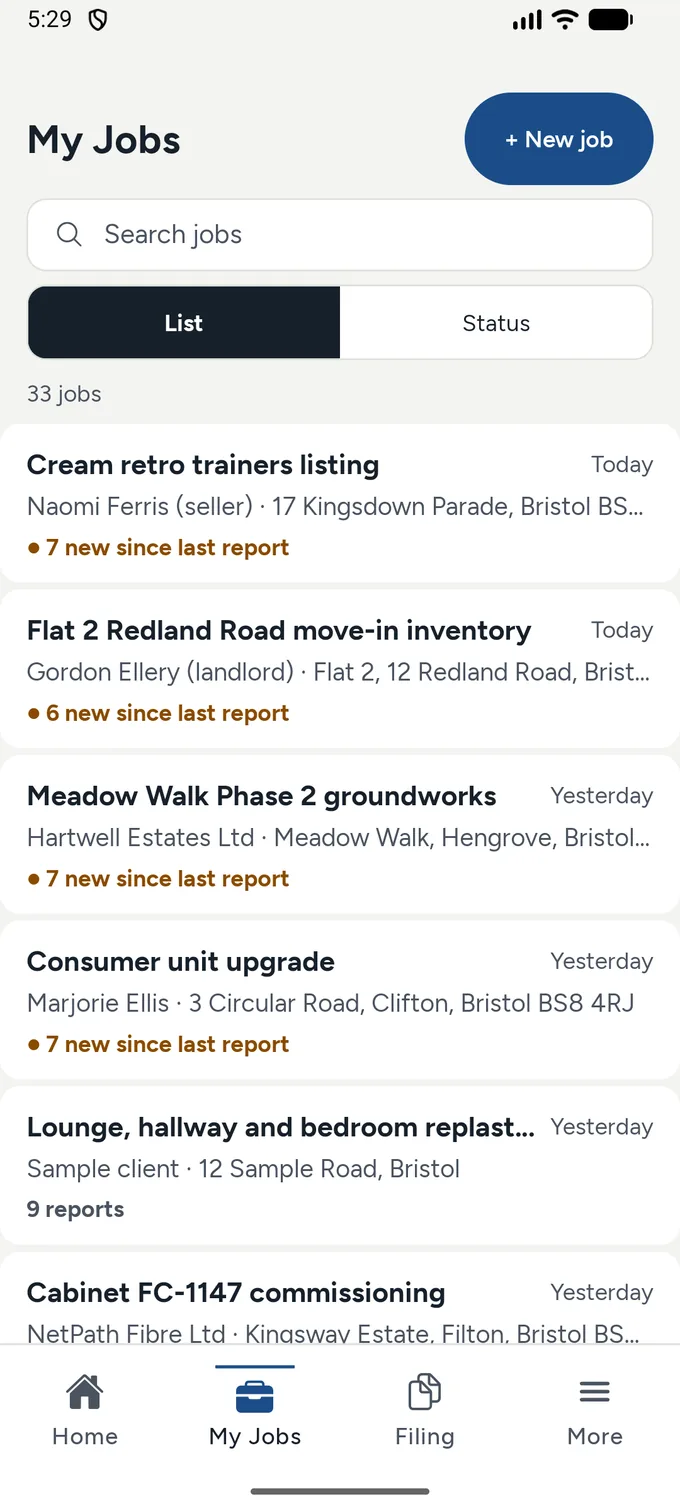
The finished report's actions — send, sign, or save as PDF or Word, right from the job.
Nothing sends itself.
Built in the UK. Vitna drafts only from your own evidence — and you read and sign before anything is sent.
Vitna is in testing.
It is not on the app store yet. If you would like to try it on your Android phone, ask to join the test and we will be in touch.
Ask to join the test How we protect your data
Please send the Google account email address you use on your phone — that is the address the test has to be invited to.